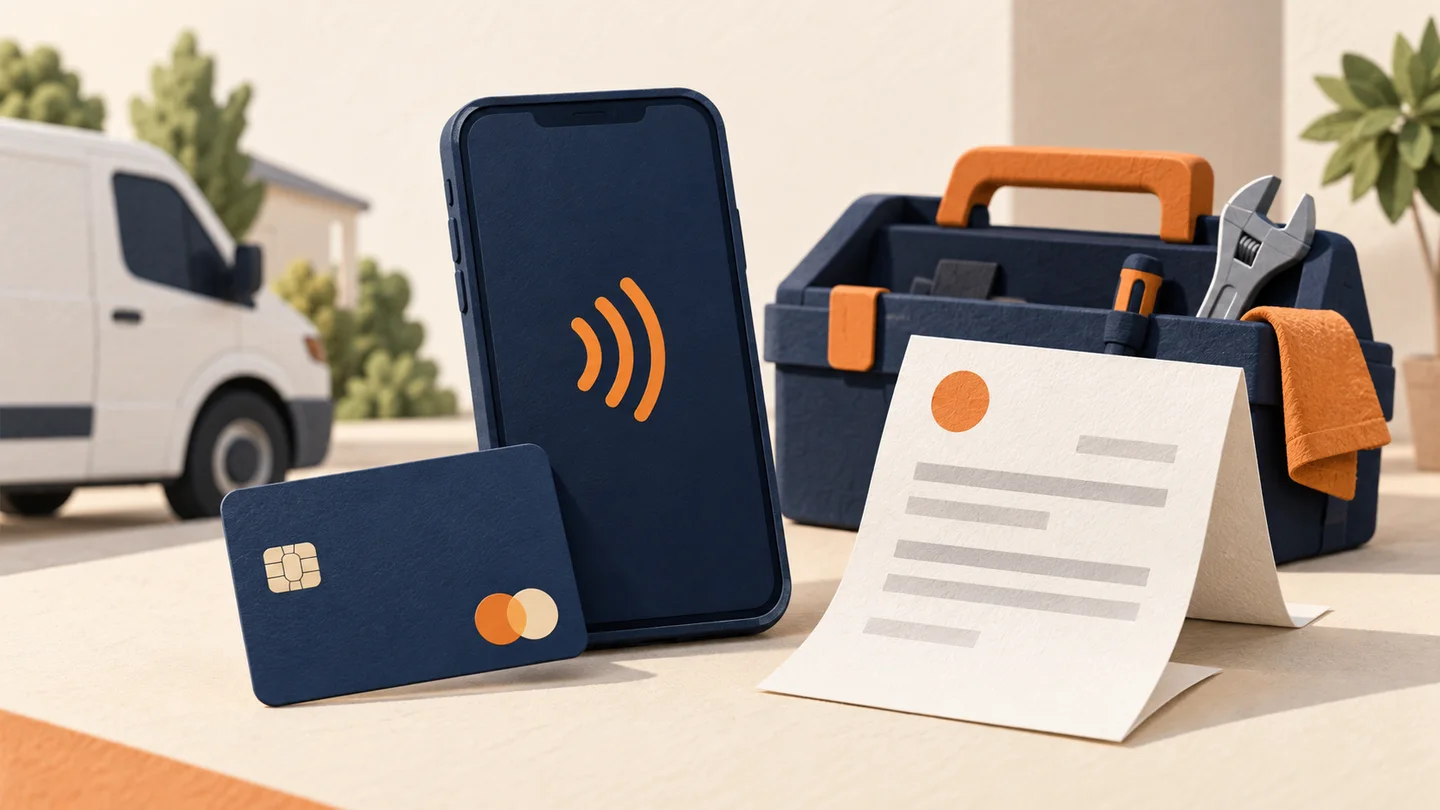
60% of In-Person Transactions Are Now Contactless
The shift happened faster than anyone predicted. In 2020, contactless payments were a pandemic-era convenience. By 2026, they're the default for most consumers. Visa reports that over 60% of in-person transactions in the US now use tap-to-pay — either through contactless cards or mobile wallets like Apple Pay and Google Pay.
For restaurants, retail stores, and service businesses, this isn't a trend to watch — it's a reality to adapt to. If your terminal doesn't accept tap-to-pay, you're creating unnecessary friction at checkout.
How Contactless Payments Work
Contactless payments use NFC (Near Field Communication) technology. When a customer taps their card or phone on your terminal, the card chip communicates with the reader wirelessly within a range of about 4 centimeters.
The Transaction Flow
- Customer taps their contactless card or phone on the terminal
- NFC chip transmits an encrypted, one-time-use token
- Terminal sends the token to the payment processor
- Processor validates with the card network and issuing bank
- Transaction is approved or declined — typically in under 2 seconds
The key security feature: tokenization. The actual card number is never transmitted. Each transaction generates a unique token that's useless if intercepted.
Types of Contactless Payments
Contactless Cards
Most credit and debit cards issued since 2022 have a contactless chip (look for the sideways Wi-Fi symbol). Customers simply tap the card on the terminal instead of inserting or swiping.
Mobile Wallets
- Apple Pay — iPhone and Apple Watch
- Google Pay — Android phones and Wear OS watches
- Samsung Pay — Samsung devices (also supports MST for older terminals)
Wearables
Smartwatches, fitness trackers, and even payment rings can store card credentials for tap-to-pay.
Tap-to-Pay on Phone (Merchant Side)
Newer solutions let merchants accept contactless payments using just a smartphone — no separate terminal needed. This is particularly useful for contractors, market vendors, and mobile businesses.
What Equipment Do You Need?
If You Have a Modern Terminal
Most terminals manufactured after 2018 already have NFC capability. It may just need to be enabled in your settings. Common NFC-ready terminals:
- Clover Flex, Clover Mini, Clover Station
- Verifone P400, T400
- Ingenico Lane series
- PAX A80, A920
If You Need to Upgrade
If your terminal only supports swipe and chip (EMV insert), you'll need a new terminal with NFC. Cost typically ranges from $200–$600 for a standalone terminal, or $0 with many processor equipment programs.
Tap-to-Pay on Phone
- iPhone: Tap to Pay on iPhone (no additional hardware)
- Android: Available through select payment apps
- Best for: Low-volume businesses, mobile services, pop-up shops
How Contactless Affects Your Processing Fees
Here's something most articles won't tell you: contactless transactions often qualify for lower interchange rates than keyed-in transactions, and they process at the same rate as standard chip (EMV) transactions.
Fee Comparison
| Transaction Type | Typical Interchange Range |
| Contactless / Tap | 1.51% – 2.10% |
| Chip Insert (EMV) | 1.51% – 2.10% |
| Swiped (Magstripe) | 1.51% – 2.30% |
| Keyed-In / Manual | 1.80% – 2.60% |
| E-Commerce (CNP) | 1.80% – 2.65% |
Contactless and chip transactions are considered equally secure, so they qualify for the same interchange categories. The real savings come when you move customers away from keyed-in transactions — which carry higher rates because of increased fraud risk.
Speed and Throughput Benefits
Contactless payments aren't just about convenience — they're about speed:
- Tap-to-pay: 1–2 seconds
- Chip insert: 3–5 seconds
- Swipe + signature: 5–8 seconds
- Keyed-in: 10–15 seconds
For high-volume businesses like restaurants and retail stores, those seconds add up. Faster checkout means shorter lines, higher throughput, and better customer satisfaction.
Security: Is Contactless Safe?
Contactless payments are actually more secure than traditional methods:
Why Contactless Is Secure
- Tokenization: Real card numbers are never transmitted
- Dynamic codes: Each transaction generates a unique cryptogram
- Short range: NFC only works within ~4cm, making interception nearly impossible
- Device authentication: Mobile wallets require Face ID, fingerprint, or PIN before transmitting
- No signature required: Eliminates signature forgery risk
Common Concerns (Debunked)
- "Someone could scan my card in my pocket" — Theoretically possible but requires specialized equipment within inches, and the transaction would fail without a merchant terminal
- "It's easier to use a stolen card" — Contactless cards have the same fraud protections and zero-liability policies as chip cards
- "Double charges happen" — Modern terminals prevent duplicate taps within a time window
How to Enable Contactless at Your Business
- Check your current terminal — Look for the contactless symbol or check your terminal settings
- Contact your processor if NFC isn't enabled — it may just need to be activated
- Upgrade if necessary — If your terminal is pre-2018, it's probably time regardless
- Train your staff — Make sure they know to prompt customers with "tap or insert"
- Display signage — Use the contactless payment symbol at checkout so customers know it's available
The Tap-to-Pay on Phone Revolution
One of the biggest developments in 2025–2026 is Tap to Pay on iPhone and similar Android solutions. This lets merchants accept contactless payments using just their phone — no terminal, no dongle, no extra hardware.
Best Use Cases
- Contractors and home service providers
- Market and festival vendors
- Delivery services
- Pop-up retail
- Professional services (consultants, trainers)
Limitations
- Only accepts contactless cards and mobile wallets (no chip insert or swipe)
- Requires a compatible phone and payment app
- May not be ideal as your sole payment method for a brick-and-mortar store
Bottom Line
Contactless payments are no longer optional — they're expected. The good news is that most modern terminals already support them, the fees are the same as chip transactions, and the security is actually better than legacy methods.
If you're still running a terminal that only does swipe and chip, you're leaving speed, security, and customer satisfaction on the table.
See if your current setup supports contactless — get a free equipment review →
About Payment USA’s Founder
Published by Payment USA, a merchant services provider. Our guides and comparisons reflect that commercial perspective.

Chase James
CEO, Payment USA
Chase James is the founder and CEO of Payment USA, a merchant services company built on transparency and fair pricing. With over 15 years in the payments industry, Chase has helped thousands of businesses uncover hidden processing fees and switch to honest, interchange-plus pricing.
Contact Chase →