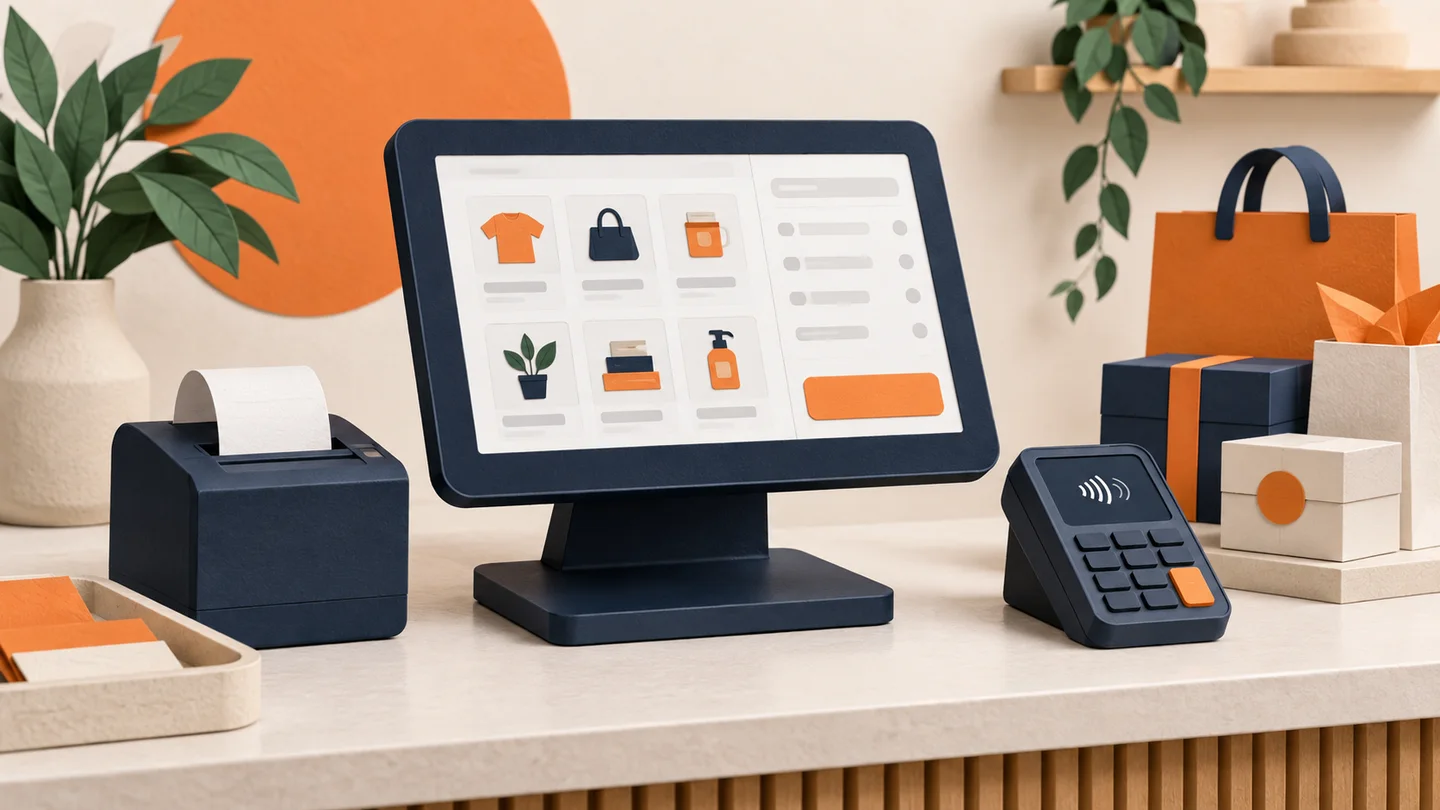
Every business that sells in person has a point of sale — the moment a customer pays. A POS system is the combination of hardware and software that runs that moment: it rings up the sale, calculates tax, takes the payment, prints or emails the receipt, and records everything for your books.
That's the definition. But if you're researching POS systems, the definition isn't really what you need — you need to understand how the pieces fit together, what they cost, and the one decision buried inside every POS purchase that most owners never notice: who processes your payments, and at what rate.
The Two Halves of Every POS System
The hardware
POS hardware is the physical equipment at the counter (or in your staff's hands). Depending on the business, it can include:
- A register or tablet — the screen where staff ring up sales. Modern systems are usually an iPad or Android tablet, or a purpose-built touchscreen terminal.
- A card reader or payment terminal — the device that accepts chip, tap, and swipe payments. Sometimes built into the register, sometimes a separate device.
- A receipt printer — thermal printers are standard; many businesses now default to email or text receipts.
- A cash drawer — still essential for most in-person businesses, triggered automatically by the POS when a cash sale closes.
- A barcode scanner — critical for retail with a large catalog, unnecessary for a coffee shop with twelve menu items.
- Kitchen printers or displays — restaurant-specific hardware that routes orders from the register to the kitchen.
- Handheld or mobile devices — for line-busting in retail, tableside ordering in restaurants, or taking the checkout to the customer anywhere.
You don't need most of this to start. A tablet and a card reader is a complete POS for a lot of small businesses.
The software
The software is where a POS earns its keep. Beyond ringing up sales, a modern system typically handles:
- The product catalog — items, prices, modifiers, variants, and tax rules
- Inventory — counts that decrement automatically with each sale, low-stock alerts, and purchase orders in more advanced systems
- Reporting — sales by day, item, category, and employee; the numbers that tell you what's actually working
- Staff management — individual logins, permissions, time clocks, and tip tracking
- Customer records — purchase history, loyalty programs, and marketing lists
- Integrations — syncing with accounting software, e-commerce platforms, and delivery services
Cloud-based systems dominate now: your data lives online, you can check sales from your phone, and the software updates itself. Most systems keep working through an internet outage and sync when the connection returns, but it's a question worth asking before you buy.
How a POS Connects to Payment Processing
Here's the part most buying guides skim past, and it's the part that determines your costs for years.
When a customer taps a card, the POS itself doesn't approve the payment. It hands the transaction to a payment processor — the company that routes it to the card networks, gets the bank's approval in about two seconds, and later deposits the money in your account, minus fees. Every POS system needs a processor behind it. The question is which one, and on what terms.
There are two basic arrangements:
- All-in-one systems — the POS company is also the payment processor. Square is the best-known example. You get one vendor, fast setup, and one published flat rate for every transaction. The trade-off: the rate is the rate. There's nothing to negotiate, and you can't switch processors without replacing the entire system.
- Processor-agnostic systems — the POS works with a merchant account from a separate processor. Setup involves one more party, but the processing relationship is now competitive: you can negotiate interchange-plus pricing, and if the processor disappoints you, you can switch without abandoning your hardware and workflow.
At low volume, the difference is small. As volume grows, it compounds. A flat rate bundles the processor's margin into every transaction at a level set for the worst case; interchange-plus passes through the true cost of each card plus a fixed, visible markup — typically a meaningfully lower effective rate for an established business. This is exactly the trade-off covered in our small business POS buyer's guide.
The lock-in problem, stated plainly: a POS that only works with one processor limits your rates for as long as you own it. The system is cheap to start and expensive to leave. That's not a scandal — it's a business model — but you should walk into it with open eyes, or choose hardware that keeps your options open. Payment USA supplies terminals and POS hardware that work with interchange-plus merchant accounts for precisely this reason, and our POS systems hub breaks down the options by system type.
What Different Businesses Actually Need
There is no best POS system — there's a best system for how your business operates.
Restaurants and bars
Full-service restaurants need table maps, coursing, check splitting, kitchen routing, and tip management. Bars add tabs and speed of service. Quick-service needs fast modifier flows and often kitchen display screens. Tableside payment devices — covered in our guide to pay-at-table terminals — cut check times and card-handling risk.
Retail
Retail stores live and die by inventory: barcode scanning, stock counts across sizes and colors, purchase orders, and returns handling. If you sell online too, the POS should share one inventory pool with your web store so you never sell what you don't have. More on that in our guide to inventory and payments integration.
Salons, spas, and service businesses
Salons and spas need appointment booking tied to checkout, staff commission tracking, and stored cards for no-show protection. Service businesses that work in the field need mobile acceptance more than they need a counter station.
Food trucks and mobile businesses
Food trucks need speed, offline resilience, and hardware that runs all day on a battery and a hotspot. A tablet-based system with a compact reader usually beats anything stationary.
Businesses that barely need a POS at all
If you send invoices, take payments by phone, or sell only online, you may not need POS hardware at all — a virtual terminal or payment links can do the job. Our guide to accepting card payments without a POS system covers those setups.
What a POS System Costs
Honest ranges, since pricing varies widely by vendor and configuration. These reflect typical industry pricing:
| Component | Typical range | Notes |
| Software | Free to $300+/month | Free tiers exist; restaurant and multi-register plans cost more |
| Basic card reader | Under $100 | Often subsidized or free with a processing account |
| Full register station | $500–$2,000+ | Tablet, stand, reader, drawer, printer |
| Add-on hardware | $100–$500 per device | Kitchen printers, handhelds, scanners |
| Payment processing | Percentage of every sale | The largest long-term cost — see below |
| Installation and training | $0 to several hundred dollars | Often negotiable; sometimes bundled |
Two cost traps to watch:
- Hardware leases. A multi-year lease on a few hundred dollars of hardware can total several times the purchase price. Buy the hardware, or work with a provider that supplies it at cost with your processing account.
- The processing rate hiding inside the software price. A POS advertised at a low monthly price with mandatory built-in processing can cost far more per year than a pricier POS paired with a competitive merchant account. Run the math on your expected volume — our fee calculator makes the comparison concrete.
How to Choose: Six Questions
- Does it fit my workflow? A restaurant system in a retail store (or vice versa) fights you daily. Demo it doing your ten most common tasks.
- Who processes the payments, and can I choose? The lock-in question. Ask it before anything else about pricing.
- What is the all-in monthly cost at my volume? Software plus hardware amortization plus processing fees at your actual monthly card volume — that's the real number to compare.
- What happens when the internet goes down? You want offline mode that queues transactions, not a dead register.
- Does it integrate with what I already use? Accounting software, online store, scheduling tools. Manual re-entry is a permanent tax on your time.
- What does support look like at 7pm on a Saturday? Payment problems don't keep office hours. Neither should the people who fix them.
The Bottom Line
A POS system is the operational heart of an in-person business: the hardware and software that turn a customer's "I'll take it" into a completed, recorded, deposited sale. The features get the attention, but the payment processing arrangement underneath determines the long-term cost — a POS locked to a single processor means accepting that processor's rates for the life of the system.
Choose the workflow fit first, then insist on a processing arrangement you can see into and negotiate. If you want help pairing hardware with transparent interchange-plus processing, that's exactly what we do.
Frequently Asked Questions
What does POS stand for?
POS stands for point of sale — the place and moment where a customer pays your business. A POS system is the combination of hardware and software that manages that moment: ringing up items, calculating totals and tax, taking the payment, and recording the sale.
What is the difference between a POS system and a card reader?
A card reader only does one job: it captures the customer's card and passes it to a processor for approval. A POS system wraps that payment step inside a full sales workflow — product catalog, pricing, tax, receipts, inventory updates, staff accounts, and reporting. Many small businesses start with a simple reader and move to a full POS as operations grow.
How much does a POS system cost?
Typical industry ranges: software runs from free entry tiers to roughly $60–$300+ per month depending on features and number of registers, and hardware runs from under $100 for a basic reader to $1,000–$2,000+ per full register station. The larger long-term cost is usually the processing rate attached to the system, which is why it deserves more scrutiny than the sticker price.
Do I have to use the POS company's payment processing?
With some popular systems, yes — the POS only works with the company's own built-in processing at its published flat rate, and that rate is not negotiable. Other systems are processor-agnostic and let you pair the POS with a merchant account of your choice, which is what makes interchange-plus pricing possible. Checking this one detail before you buy can be worth thousands of dollars a year at moderate volume.
About Payment USA’s Founder
Published by Payment USA, a merchant services provider. Our guides and comparisons reflect that commercial perspective.

Chase James
CEO, Payment USA
Chase James is the founder and CEO of Payment USA, a merchant services company built on transparency and fair pricing. With over 15 years in the payments industry, Chase has helped thousands of businesses uncover hidden processing fees and switch to honest, interchange-plus pricing.
Contact Chase →