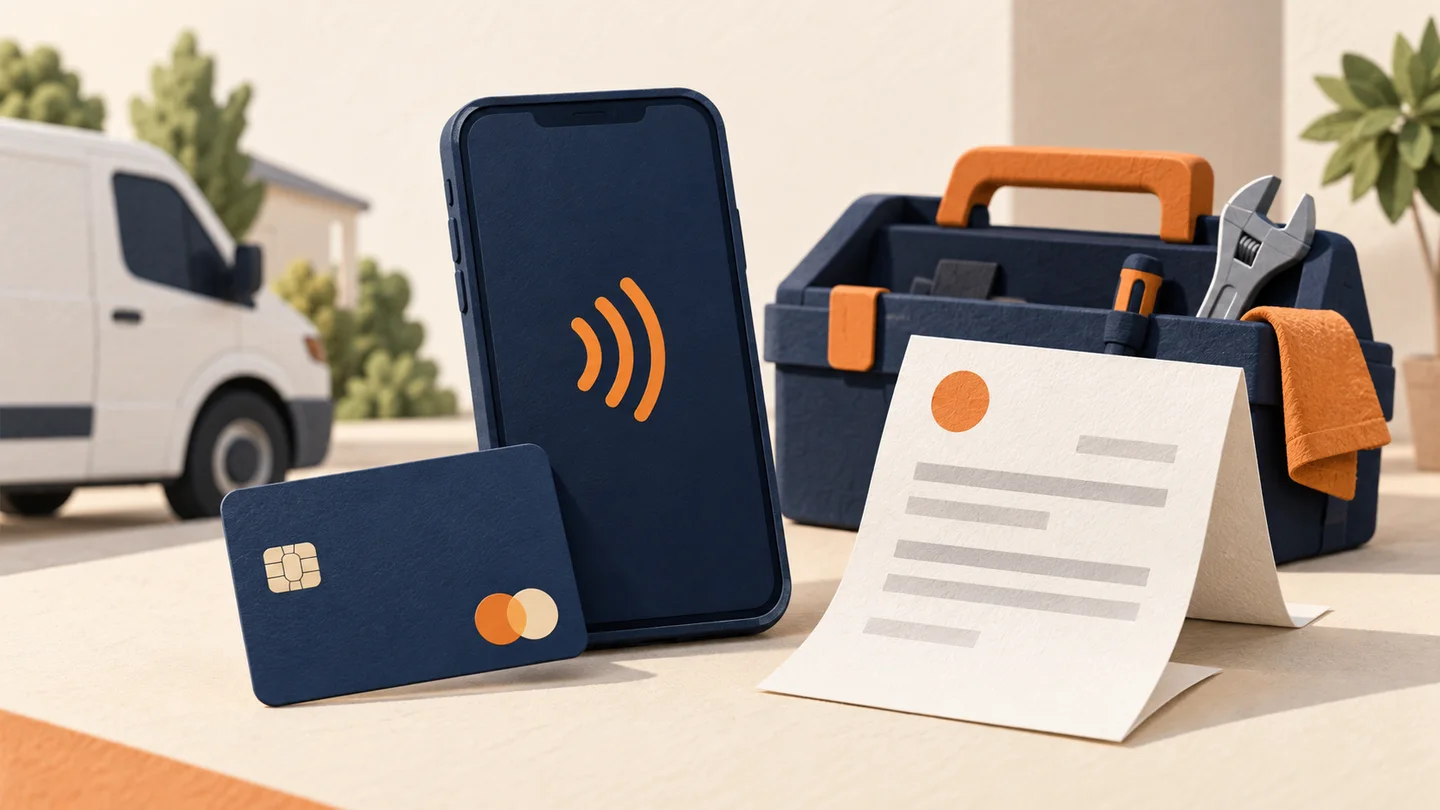
You Don't Need Expensive Hardware to Get Paid
There's a persistent myth in the payments industry: that accepting credit cards requires buying or leasing a traditional POS terminal. That was true 15 years ago. It's not true anymore.
Today, you can accept credit and debit card payments using your phone, a web browser, an emailed invoice, or a simple payment link — often with no hardware at all.
Whether you're a contractor who works at customer locations, a freelancer billing for project work, or a small business that doesn't want to invest in terminal hardware, here are six ways to accept cards without a traditional POS system.
Method 1: Tap-to-Pay on Your Smartphone
The newest and most convenient option. Apple's Tap to Pay on iPhone and Google's Tap to Pay on Android let you accept contactless payments using just your phone — no additional hardware needed.
How it works:
- Download a compatible payment app (Square, Stripe, PayPal, Clover, and others)
- Select the payment amount
- Have the customer tap their card or phone on yours
- Transaction complete
Costs:
- Hardware: $0
- Processing: 2.6% + $0.10 per tap (Square), similar with other providers
- Monthly fees: $0
Limitations:
- Only accepts contactless cards and mobile wallets (Apple Pay, Google Pay)
- Won't work with chip-insert-only cards (though these are increasingly rare)
- Requires iPhone XS or later, or compatible Android device
Best for: Contractors, home service providers, personal trainers, tutors, and any mobile professional who wants a zero-cost payment solution.
For a deep dive on this technology, read our complete guide to contactless payments and tap-to-pay.
Method 2: Virtual Terminal (Browser-Based)
A virtual terminal lets you key in card numbers through any web browser — desktop, laptop, tablet, or phone. It works like a manual cash register for card payments.
How it works:
- Log into your processor's online portal
- Enter the customer's card number, expiration, and CVV
- Enter the amount and process the transaction
Costs:
- Hardware: $0
- Processing: 2.9%–3.5% + $0.10–$0.30 per transaction (higher because keyed-in = card-not-present)
- Monthly fees: $0–$25 depending on provider
- Gateway fee: $10–$25/month with some processors
Limitations:
- Higher processing rates (card-not-present risk)
- Slower than tap or chip transactions
- Customer must verbally share card details (less professional)
- Higher chargeback risk
Best for: Businesses that take phone orders, deposits, or recurring payments. MOTO merchants and professional services firms.
Method 3: Payment Links
Payment links let you create a unique URL that takes customers directly to a checkout page. No website required.
How it works:
- Create a payment link in your processor's dashboard or app
- Set the amount (fixed or custom)
- Send the link via text, email, or social media
- Customer enters their card info and pays
Costs:
- Hardware: $0
- Processing: 2.9% + $0.30 per transaction (typical online rate)
- Monthly fees: Usually $0
- Setup: Free with most processors
Limitations:
- Customer needs to complete checkout on their own device
- Not instant — customer may not pay immediately
- Less professional than a custom invoice or checkout page
Best for: Freelancers, small service businesses, deposit collection, social media sellers, and anyone who needs to collect payment without a face-to-face interaction.
Method 4: Email Invoicing
Most payment processors offer built-in invoicing that lets you email professional invoices with a "Pay Now" button.
How it works:
- Create an invoice in your processor's app or dashboard
- Add line items, taxes, and notes
- Email it to your customer
- Customer clicks "Pay Now" and enters their card details
Costs:
- Hardware: $0
- Processing: 2.9%–3.5% + $0.30 per transaction
- Monthly fees: Usually $0 for basic invoicing
- Advanced features: $0–$20/month for recurring invoices, auto-reminders, etc.
Limitations:
- Not suitable for point-of-sale transactions
- Relies on customer opening the email and paying
- Can have slow collection times
Best for: Professional services, consultants, contractors billing after job completion, and businesses with longer payment cycles.
Method 5: Mobile Card Readers
While not technically "no hardware," mobile card readers are so small and inexpensive that they're worth mentioning. These tiny Bluetooth devices pair with your smartphone.
How it works:
- Order a reader (many providers offer the first one free)
- Download the app and pair the reader
- Accept chip, tap, and swipe transactions through your phone
Costs:
- Hardware: $0–$59 (often free for first reader)
- Processing: 2.6%–2.7% + $0.10 per transaction
- Monthly fees: $0
Limitations:
- Requires a physical reader device (but fits in your pocket)
- Depends on your phone's battery and connectivity
- Flat-rate pricing only with most providers
Best for: Market vendors, retail pop-ups, mobile businesses, and anyone who wants the reliability of a physical reader without the cost of a full POS system.
Read our mobile payment processing guide for detailed comparisons of readers from Square, PayPal, Clover, and others.
Method 6: Online Checkout (No Website Needed)
Platforms like Square Online, PayPal.me, and Stripe Payment Links let you create a simple checkout page without building a full website.
How it works:
- Create a free online store or checkout page
- Add your products or services with prices
- Share the link on social media, Google Business Profile, or via text/email
- Customers browse, add to cart, and pay
Costs:
- Hardware: $0
- Processing: 2.9% + $0.30 per transaction
- Monthly fees: $0 for basic; $12–$79/month for advanced features
- Setup: Free basic stores; minutes to configure
Limitations:
- Limited customization on free plans
- Less professional than a dedicated e-commerce site
- May have platform branding (Square, PayPal logos)
Best for: Home-based businesses, service providers who want online booking, and anyone testing e-commerce without a big investment.
Cost Comparison: All 6 Methods Side by Side
For a business processing $8,000/month with an average ticket of $75:
| Method | Processing Cost/Mo | Monthly Fees | Hardware | Total Annual Cost |
| Tap-to-Pay | ~$220 | $0 | $0 | $2,640 |
| Virtual Terminal | ~$272 | $10–$25 | $0 | $3,564 |
| Payment Links | ~$256 | $0 | $0 | $3,072 |
| Email Invoicing | ~$272 | $0 | $0 | $3,264 |
| Mobile Reader | ~$220 | $0 | $0–$49 | $2,640 |
| Online Checkout | ~$256 | $0–$12 | $0 | $3,216 |
Important note: All of these methods use flat-rate pricing. If you're processing more than $10,000–$15,000/month, you'll likely save money by switching to an interchange-plus merchant account — even if that means adding a small terminal.
When You Should Get a POS System Instead
These no-POS methods work great for many businesses, but there are situations where a traditional POS system makes more sense:
- You process over $15,000/month in-person — interchange-plus pricing on a terminal saves serious money at this volume
- You need inventory management — POS systems track stock automatically
- You have employees — POS systems offer permissions, time clocks, and individual logins
- You need printed receipts — most no-POS methods only offer digital receipts
- You run a restaurant or retail store — industry-specific POS features (table management, barcode scanning) justify the investment
If you're at that tipping point, check out our guide to the best POS systems for small businesses.
Which Method Should You Choose?
If you meet customers face-to-face:
Start with Tap-to-Pay on your phone. Zero cost, zero hardware, and it looks professional. Add a mobile card reader as backup for customers without contactless cards.
If you work remotely or bill after service:
Use email invoicing for larger jobs and payment links for quick collections. Both cost nothing monthly.
If you take phone orders:
A virtual terminal is your best option — just be aware of the higher card-not-present rates.
If you sell products online:
Start with a free online checkout page. Scale to a full e-commerce solution when volume justifies it.
Bottom Line
You absolutely do not need a POS system to accept credit cards in 2026. Between tap-to-pay, virtual terminals, payment links, invoicing, mobile readers, and online checkout, there's a no-hardware (or minimal-hardware) solution for every business type and budget.
The key is choosing the right method for your volume and transaction type — and knowing when you've outgrown flat-rate pricing.
Not sure which payment method is right for your business? Get a free consultation →
About Payment USA’s Founder
Published by Payment USA, a merchant services provider. Our guides and comparisons reflect that commercial perspective.

Chase James
CEO, Payment USA
Chase James is the founder and CEO of Payment USA, a merchant services company built on transparency and fair pricing. With over 15 years in the payments industry, Chase has helped thousands of businesses uncover hidden processing fees and switch to honest, interchange-plus pricing.
Contact Chase →